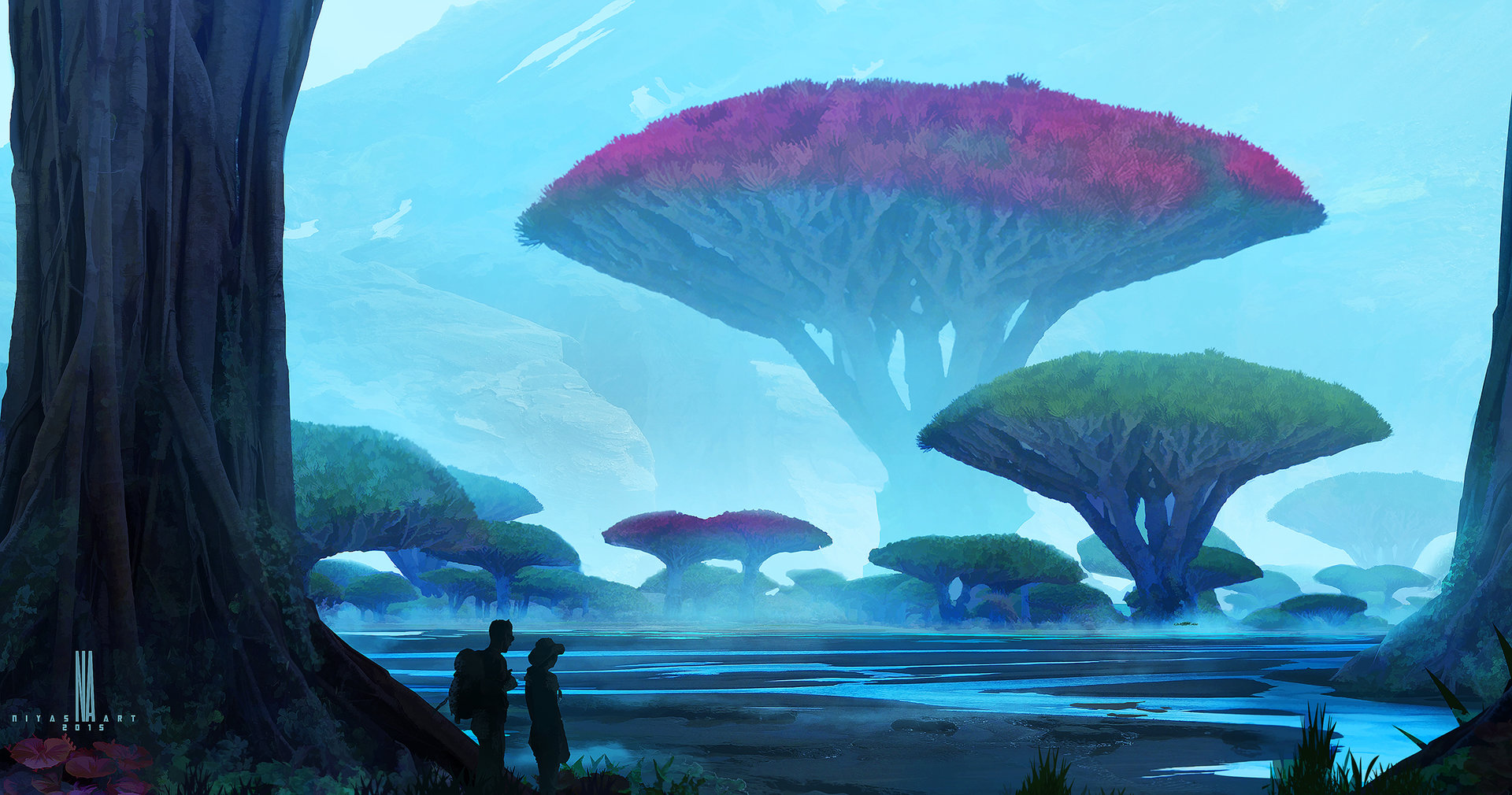
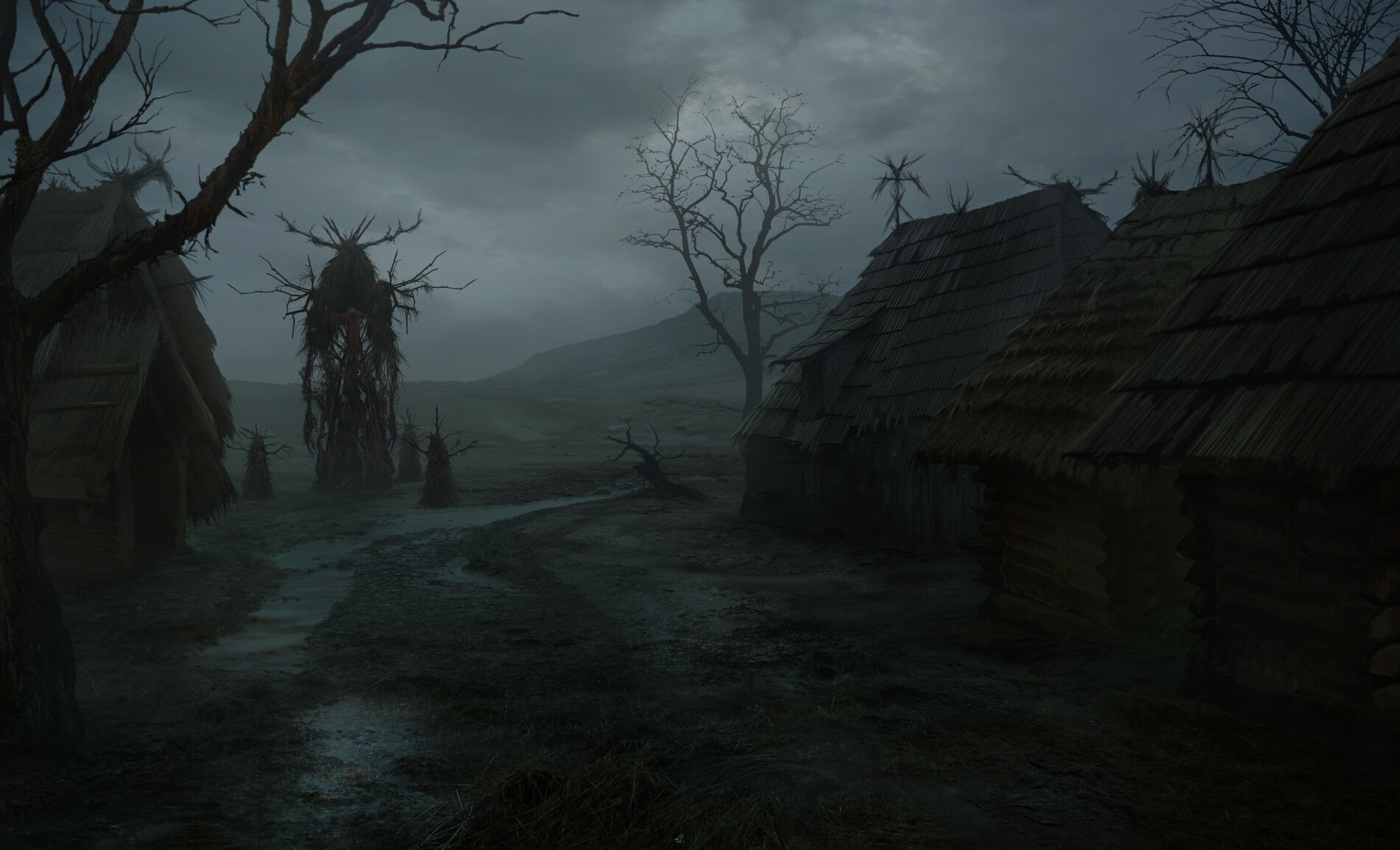
Jxshuwu wrote: » 1. Floating islands with waterfalls.
Jxshuwu wrote: » 2. Lava river(s) around the volcano with naturally created bridges to cross them.
Jxshuwu wrote: » 4. Yggdrasil (World tree) massive tree visible from many places in the world, perhaps with an elven civilization at the base.
Jxshuwu wrote: » Tried posting images but couldn't figure out how lmao
maouw wrote: » So Artbreeder is AMAZING for generating concept art. Here's a few I just whipped up:
hARdwin wrote: » Jxshuwu wrote: » 1. Floating islands with waterfalls. Maybe like a World Turtle realm. Jxshuwu wrote: » 2. Lava river(s) around the volcano with naturally created bridges to cross them. Muspelheim Jxshuwu wrote: » 4. Yggdrasil (World tree) massive tree visible from many places in the world, perhaps with an elven civilization at the base. Yes
Vhaeyne wrote: » Just give me realistic weather and clouds. Volumetric clouds that create correct shadows on the ground, and sun shafts. Sky changing color correctly based on time of day and position of sun. Rain clouds that are dynamic enough for it to rain in my front lawn and not my back yard if the clouds are positioned correctly. This type of stuff really takes games to the next level. That new MS flight simulator really opened my eyes to this stuff.
daveywavey wrote: » Jxshuwu wrote: » Tried posting images but couldn't figure out how lmao Get the image's URL and put it in square bracket IMG tags. For example, imagine that these curly brackets are square brackets: (img)https://external-content.duckduckgo.com/iu/?u=https://comicvine1.cbsistatic.com/uploads/scale_small/11/114183/6567739-danger_mouse_2015.png&f=1&nofb=1 (/img) If you're still struggling, click Quote on someone else's post who has an image, and have a look at how they've done it.
Jxshuwu wrote: » daveywavey wrote: » Jxshuwu wrote: » Tried posting images but couldn't figure out how lmao Get the image's URL and put it in square bracket IMG tags. For example, imagine that these curly brackets are square brackets: (img)https://external-content.duckduckgo.com/iu/?u=https://comicvine1.cbsistatic.com/uploads/scale_small/11/114183/6567739-danger_mouse_2015.png&f=1&nofb=1 (/img) If you're still struggling, click Quote on someone else's post who has an image, and have a look at how they've done it. Err lemme try it here real quick; EDIT: Don't think it worked lmao, it just comes up with a few numbers and an error image. I tried a google one and it did the same
maouw wrote: » Jxshuwu wrote: » daveywavey wrote: » Jxshuwu wrote: » Tried posting images but couldn't figure out how lmao Get the image's URL and put it in square bracket IMG tags. For example, imagine that these curly brackets are square brackets: (img)https://external-content.duckduckgo.com/iu/?u=https://comicvine1.cbsistatic.com/uploads/scale_small/11/114183/6567739-danger_mouse_2015.png&f=1&nofb=1 (/img) If you're still struggling, click Quote on someone else's post who has an image, and have a look at how they've done it. Err lemme try it here real quick; EDIT: Don't think it worked lmao, it just comes up with a few numbers and an error image. I tried a google one and it did the same Yeah this happens if the image url doesn't end with a recognized format (.jpeg/.png/.gif etc) Sometimes the website hosting the image has a "share to email"/"thumbnail" option which usually offer a more forum friendly url to work with. (Alternatively, you can browse through the website's html looking for the image source)